Engine Room FamiliarisationMeta Quest + Windows PC + Web3DTask-Based TrainingCustom Institution Branding
PRODUCT ECOSYSTEM
Showcase Products for Maritime Training
A focused product showcase for immersive simulation, browser-based machinery learning and practical marine engineering familiarisation.
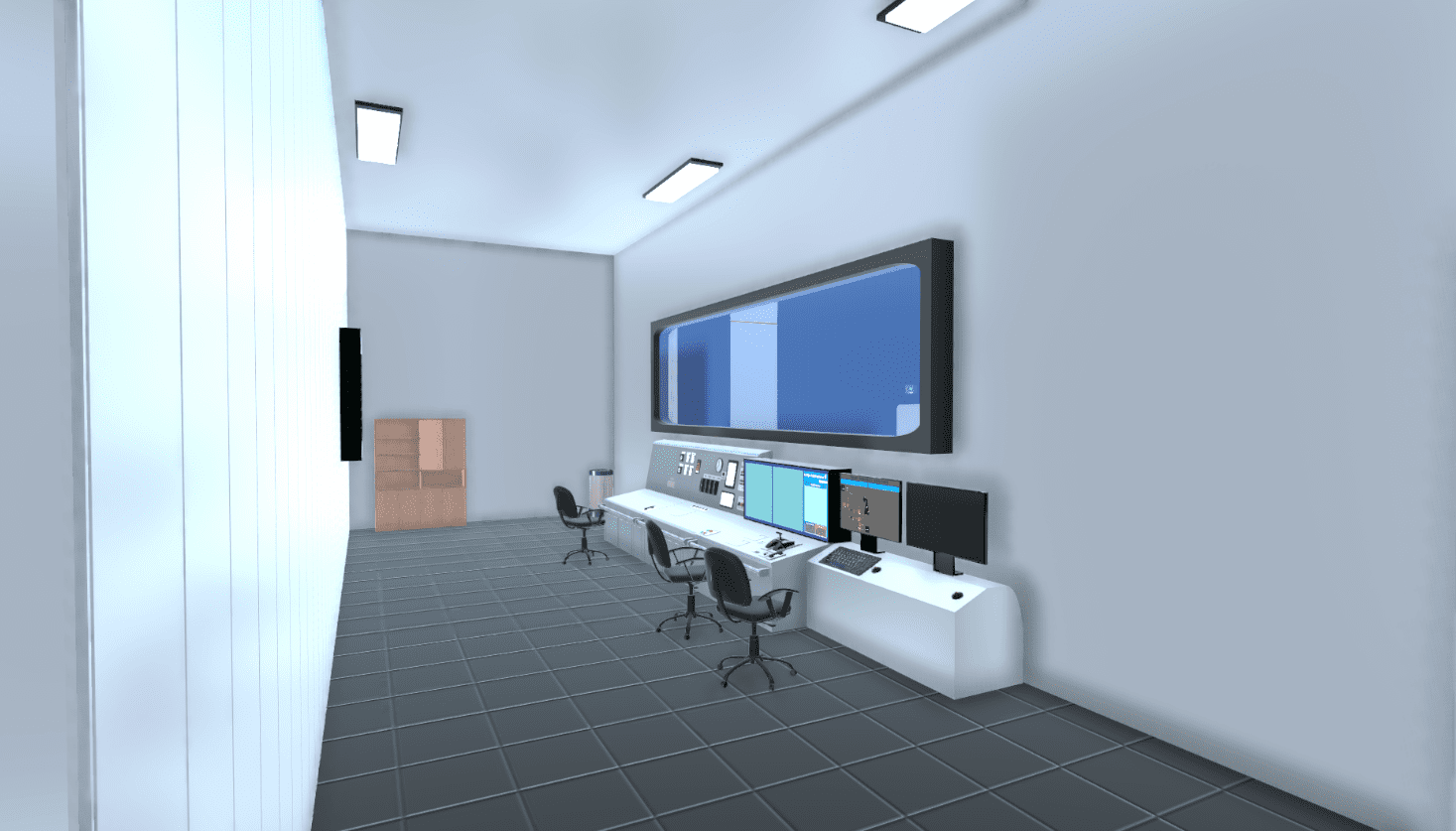 Pilot / Demo Available
IMMERSIVE MARITIME TRAINING
Immersive engine room familiarisation and task-based marine engineering training for VR, PCVR, PC and Android.
VRPCVRPCAndroid
Explore product↗
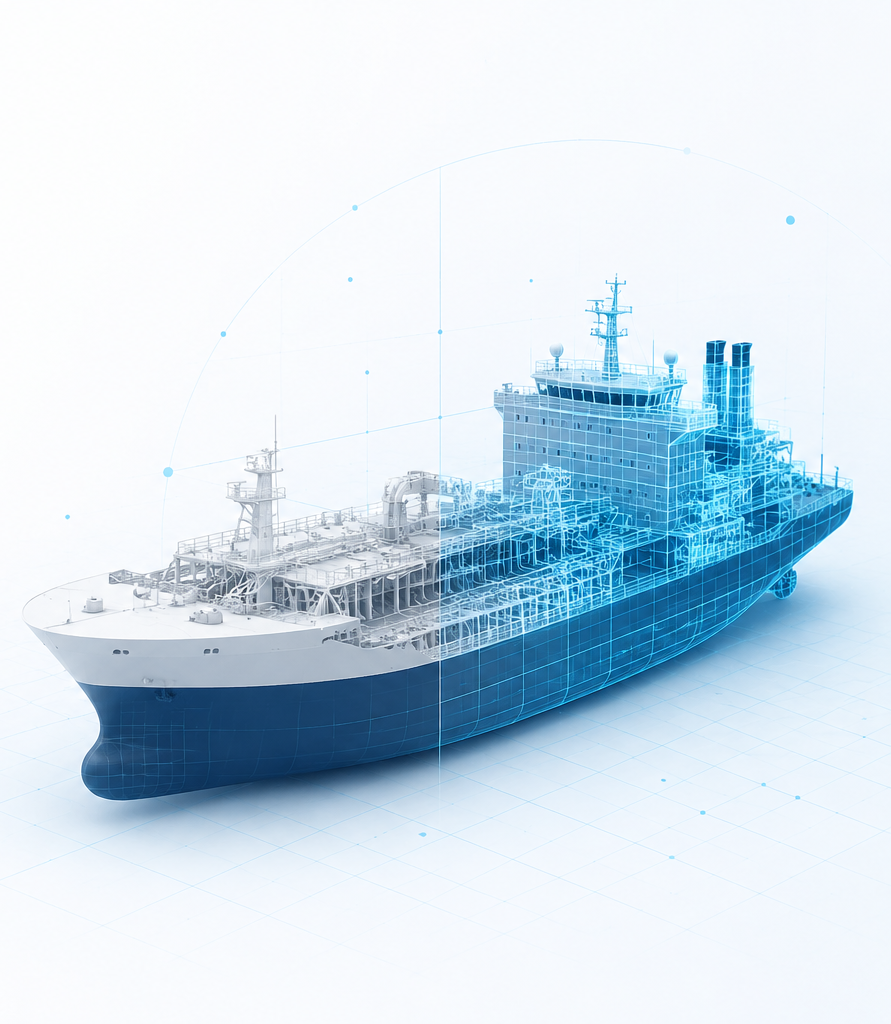 Phased Pilot Discussion
PHASED VESSEL DIGITALISATION
A phased implementation path from crew familiarisation to simulator workflows and connected vessel monitoring.
VRPCVRPCAndroid
Explore product↗
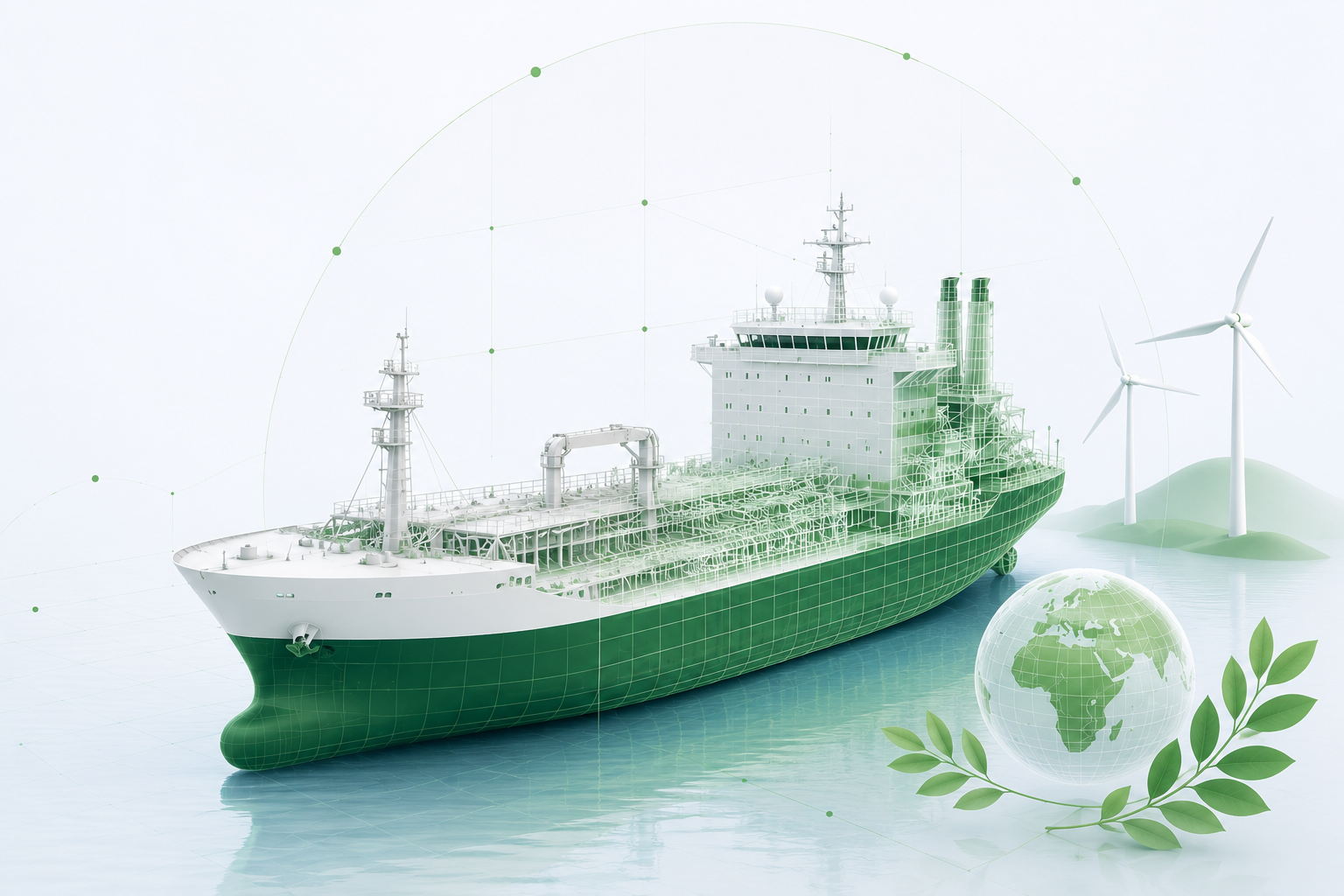 Compliance Pilot Discussion
ENVIRONMENTAL COMPLIANCE VISIBILITY
Digital environmental compliance verification for pollution-control valves and overboard discharge related systems.
PCAndroidDashboardVessel Integration
Explore product↗
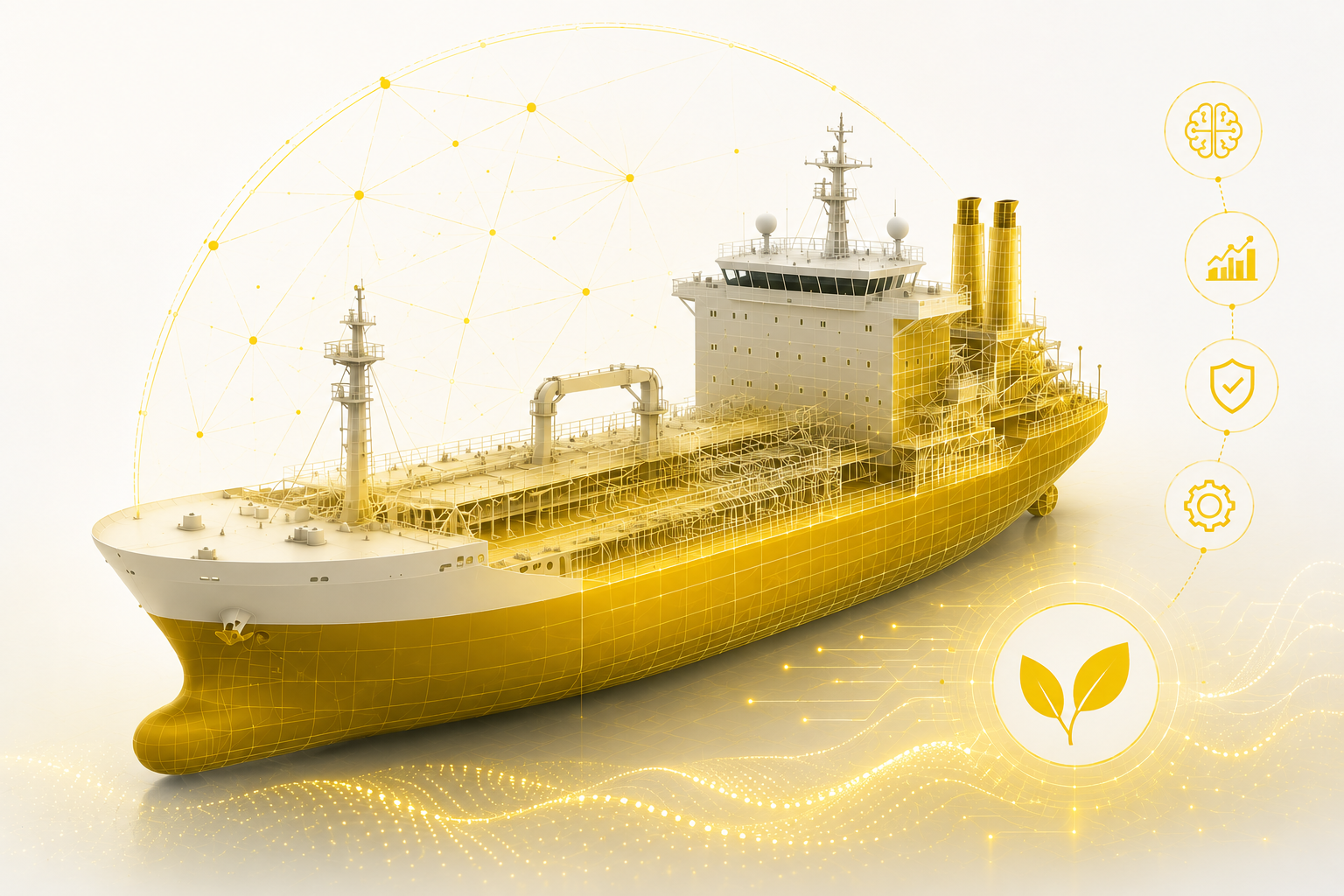 Smart Workflow Pilot
INTELLIGENT SHIPBOARD WORKFLOWS
AI-powered ship work management that brings safety, maintenance, procurement and ship history into one intelligent workflow.
PCAndroidLocal Ship ServerCloud Sync
Explore product↗
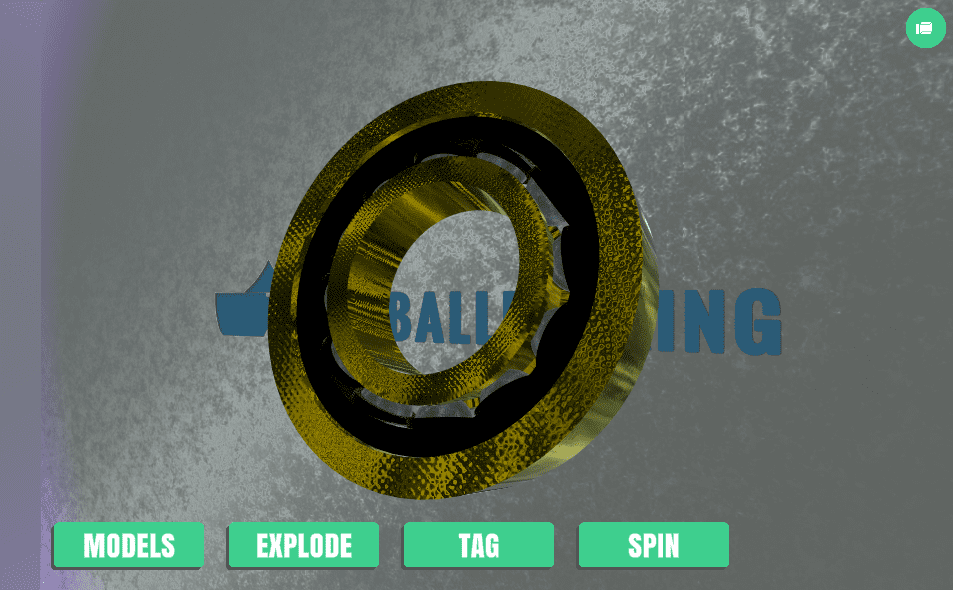 Available / Customizable
BROWSER-BASED TECHNICAL LEARNING
Browser-based 3D machinery learning for technical classrooms, demos and self-study.
PCAndroidWeb Browser
Explore product↗
A PRACTICAL SCALE-UP PATH
Start with training. Add simulation, monitoring and intelligent workflows when ready.
Each product can solve a focused problem independently while remaining part of a wider maritime digital ecosystem.
01Train
EngineRoom VR and TwinForTrain build familiarity and confidence.
02Simulate
TwinForWork turns vessel procedures into repeatable operational practice.
03Monitor
TwinMonitor and EnviroProtect add selected status visibility.
04Connect
SmartShip unifies work, records and local vessel knowledge.
PLATFORM FLEXIBILITY
Deploy according to your hardware and use case.
Immersive, desktop, mobile and connected-vessel workflows can be planned independently or together.
REQUEST A PILOT
Bring OCENEXVR to Your Training Centre
Run pilot sessions on VR or Windows PC with guided training content, practical familiarisation and demo-ready product support.